
Your Guide to a Flawless Preventive Maintenance Schedule Template
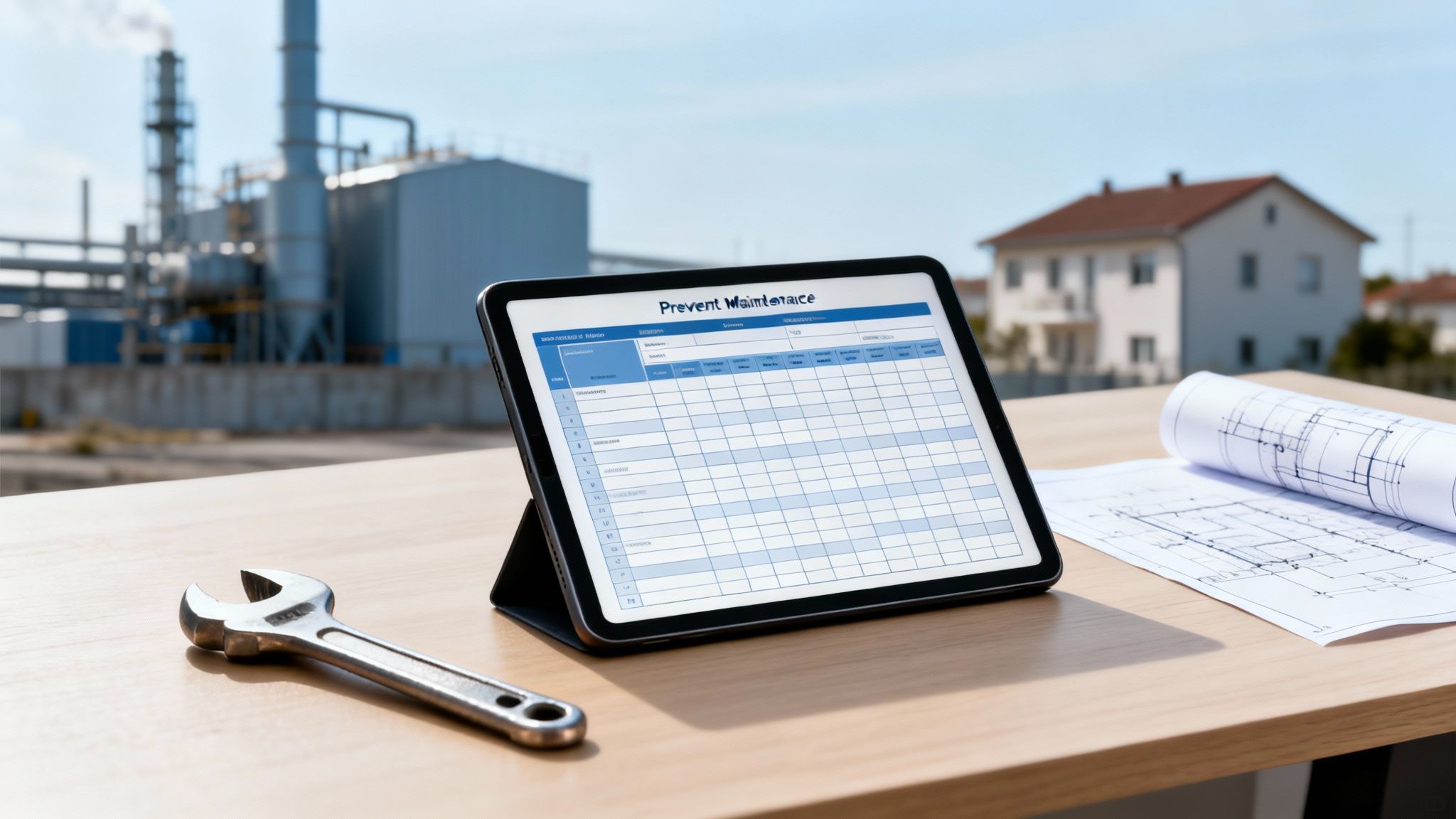
A preventive maintenance schedule template is more than just a checklist; it's a strategic roadmap for keeping your assets in top shape before they have a chance to fail. Think of it as shifting from a firefighter, constantly putting out blazes, to an architect, building a system that prevents fires in the first place. This simple document transforms your maintenance routine from a reactive scramble into a well-oiled, proactive strategy.
Why Proactive Maintenance Is a Game Changer

Let's be honest—waiting for things to break is a costly way to operate. The real damage from reactive maintenance isn't just the final repair bill. It's the ripple effect of unexpected downtime, lost productivity, and logistical chaos. A structured, forward-thinking maintenance plan is your best defense.
When you make that mental shift from reactive to proactive, you stop seeing maintenance as just another expense. It becomes a smart investment in the stability and longevity of your assets.
The True Cost of Downtime
The financial hit from an unplanned equipment failure can be genuinely staggering. Across various industries, unplanned downtime costs an average of $260,000 per hour. That's not a typo.
On the flip side, companies that implement preventive maintenance can cut their overall maintenance costs by 12% to 18%. In fact, every dollar you spend on prevention can save you an average of $5 down the road.
This is exactly where a solid preventive maintenance schedule template proves its worth. It gives you the framework to catch small issues before they become catastrophic failures, keeping your operations humming along smoothly.
"The difference between reactive and proactive maintenance is the difference between constantly being behind and always being prepared. One drains resources, while the other builds resilience."
Two Scenarios, One Bottom Line
Let me paint a picture for you with two different facility management scenarios. It really drives the point home.
- Facility A (Reactive): The team is in a constant state of emergency. An HVAC unit dies in the middle of a July heatwave. This triggers frantic calls, paying a premium for emergency repairs, and angry tenants or disrupted business. Technicians get pulled off their regular tasks, creating a domino effect of backlogged work orders.
- Facility B (Proactive): This team works from a preventive maintenance schedule. That same HVAC unit gets a routine inspection every quarter. During one visit, a technician spots a frayed belt and replaces it for a few bucks. The whole process takes 20 minutes with zero disruption. The system sails through the heatwave without a hiccup.
This simple contrast shows how a plan protects your budget and your sanity. You can learn more about building effective proactive maintenance solutions to protect your property's value. Proactive planning doesn't just prevent breakdowns; it helps you allocate your resources wisely, improves safety by keeping equipment in top condition, and ensures your business can keep running no matter what. It’s a fundamental shift in how you manage your assets.
Getting Your Hands on the Essential Asset Information

Before you can even think about building a maintenance schedule, you have to know exactly what you’re maintaining. A solid plan is built on solid data, and that starts with taking a full inventory of every single asset that needs looking after.
Honestly, this is the bedrock of your entire program. Trying to create a PM schedule without a complete asset list is like trying to navigate a new city without a map—you're just guessing.
The goal here is simple: create a master list of all serviceable equipment. And I mean everything. This isn’t just about the big-ticket items like the rooftop HVAC system. It includes the water heaters, fire extinguishers, commercial kitchen appliances, and even the emergency exit signs. So, grab a clipboard or a tablet and start walking the property.
Nail Down the Details for Each Asset
Once you start listing equipment, the details are what really count. A vague note like "pump in Room 3" is useless when you're trying to track down a specific filter or gasket. Your inventory needs to be precise.
For every piece of equipment, you’ll want to capture a few key pieces of information. This data will eventually populate your maintenance template and make life a whole lot easier for your team.
- Asset Name & ID: Give everything a clear name ("Rooftop HVAC Unit 1") and assign a unique ID number. This makes tracking a breeze.
- Make, Model, & Serial Number: This trio is your golden ticket for ordering parts, looking up manuals, or calling tech support. It's non-negotiable.
- Location: Get specific. Don't just write "West Wing." Go with "West Wing, Third Floor, Janitorial Closet."
- Installation Date: Knowing how old a piece of equipment is helps you predict when it might need major repairs or replacement.
This detailed log becomes the backbone of your entire schedule. It takes all the guesswork out of the process and ensures that when a work order says "service the boiler," the technician knows exactly which one and has its full history right there.
A complete asset inventory is what shifts your maintenance from being reactive to being strategic. It’s the difference between guessing what might break and knowing exactly what needs to be maintained, when it needs to happen, and what parts you'll need.
Dig Up Manufacturer Manuals and Service History
With your inventory list in hand, the next step is to find the manufacturer's service recommendations for each asset. These guidelines are your best starting point for figuring out how often to perform maintenance and what exactly needs to be done. If you can’t find the physical manual, a quick search online with the model number almost always turns up a PDF.
Just as important is the asset’s service history. Track down old invoices, work orders, or even scribbled notes from past repairs. This history can reveal patterns the manufacturer's guide won't tell you about, like a specific belt that keeps failing or a filter that clogs faster than expected.
When you bring all this information together—your detailed asset list, the manufacturer's guidelines, and the service history—you get the full picture. This is the essential groundwork that allows you to build a preventive maintenance schedule template that’s perfectly suited to your facility’s real-world needs.
Building Your Preventive Maintenance Schedule Template
Okay, you've done the legwork and gathered all your asset data. Now comes the fun part: giving that information a home where it can actually work for you. This is where we build the framework for your entire maintenance program.
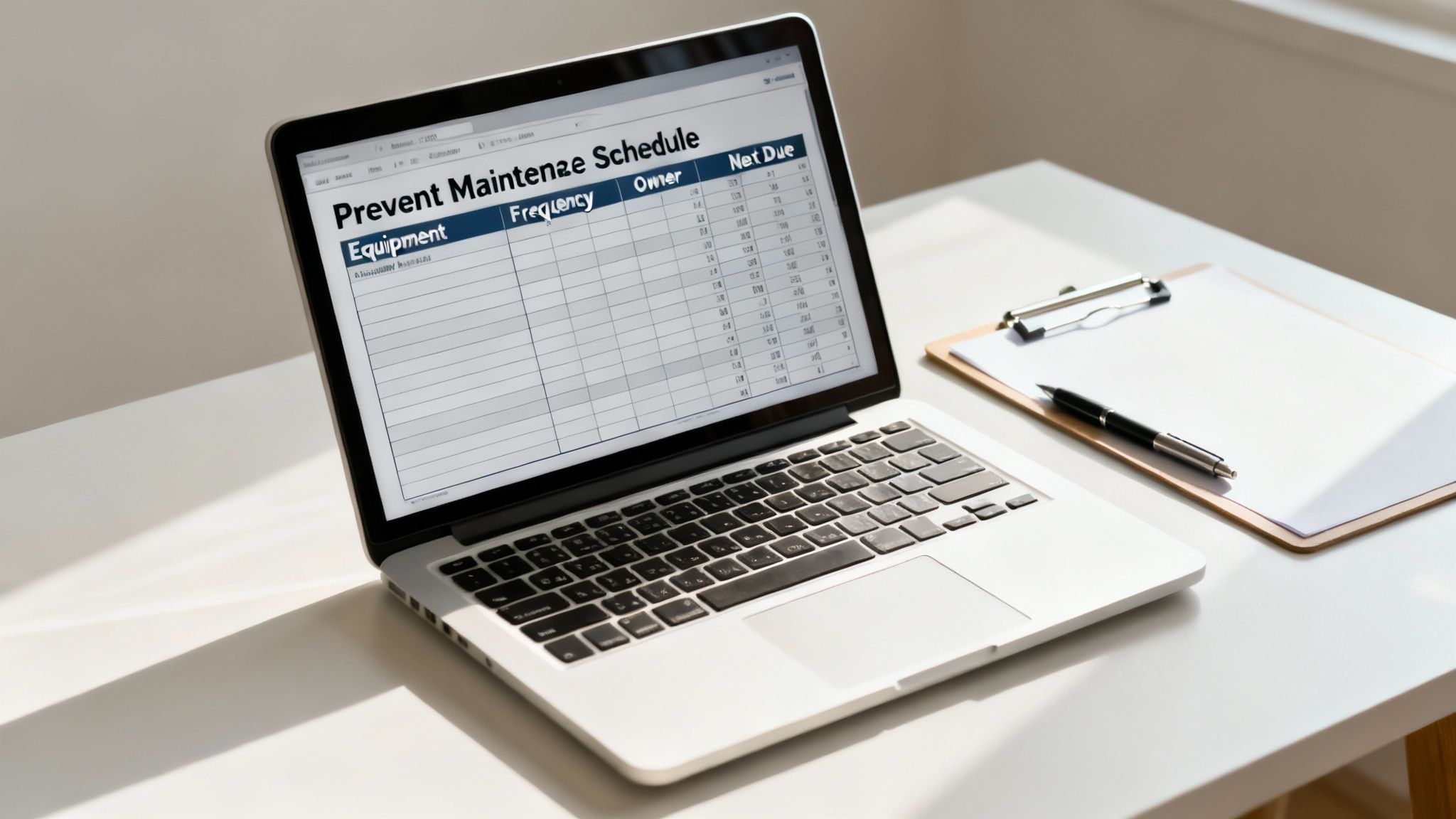
A solid preventive maintenance schedule template isn't just a to-do list; it's a dynamic tool that organizes workflows, makes responsibilities crystal clear, and ensures absolutely nothing gets missed. The goal here is to create a structure that's intuitive and scalable, whether you're working out of a simple spreadsheet or a full-blown CMMS.
The real magic of a good template is in its columns. These categories are what turn a pile of raw data into a clear, actionable plan for your entire team.
Defining Essential Template Columns
The structure you create is the most important part of this whole process. When it's laid out logically, anyone—from a brand-new hire to a seasoned manager—can look at it and know exactly what's going on.
Let's start with the absolute non-negotiables, the columns that form the backbone of any effective schedule.
- Asset ID/Name: This is where you use that unique identifier from your asset audit. It's the only way to prevent confusion, especially when you have a dozen identical rooftop units.
- Location: Get specific. "Rooftop - East Side" is infinitely more helpful than just "Rooftop." No one should have to guess.
- Task Description: Be direct and clear about the required action. "Inspect and clean condenser coils" leaves no room for interpretation, unlike a vague "HVAC check."
- Task Frequency: This simply defines how often the job gets done—daily, weekly, monthly, quarterly, or even based on runtime hours.
These first few columns set the stage. They tell your team exactly what to do and where to do it. From this foundation, we can start adding the operational details.
A great template is, at its core, a communication tool. Its primary job is to eliminate ambiguity and ensure every team member understands their role in protecting the facility's assets.
Assigning Ownership and Estimating Time
Listing tasks is one thing, but managing the people and time needed to complete them is another. This is where you bring accountability and realistic planning into the mix. These next few columns are where the schedule really comes to life.
By adding these details, you can start balancing workloads and forecasting your labor needs with some real accuracy.
- Assigned To: Put a name to the task. Assigning it to a specific technician or team creates direct ownership.
- Estimated Time: Give a realistic ballpark for how long a task should take. This is a game-changer for scheduling the day and, over time, helps you measure efficiency.
- Last Completed Date: This is your running history. It confirms the last time a task was performed and serves as the starting point for the next cycle.
- Next Due Date: Here's your forward-looking planner. This field, often calculated automatically, tells everyone what's coming up next.
- Status: This is your at-a-glance progress tracker. Simple terms like "Scheduled," "In Progress," or "Complete" give a real-time snapshot of all maintenance activity.
For example, a quarterly inspection for a commercial fire sprinkler system might be assigned to your certified safety tech with an estimated time of two hours. That level of detail turns a static list into a living, breathing management document. If you want to get even more granular with your tasks, checking out a comprehensive commercial building maintenance checklist can give you plenty of ideas.
A Practical Template Structure
To pull this all together, here’s what a basic but powerful structure looks like in practice. This table outlines the core columns you'll need, whether you're setting this up in Google Sheets, Excel, or dedicated maintenance software.
Core Structure for Your Preventive Maintenance Template
| HVAC-01 | Rooftop AC Unit 1 | Main Building Roof | Replace air filters | Quarterly | J. Smith | 01/15/2024 | 04/15/2024 | Scheduled |
| FS-03 | Fire Extinguisher | West Wing Hallway | Inspect charge and tag | Monthly | M. Davis | 03/01/2024 | 04/01/2024 | Complete |
| VH-07 | Ford Transit Van | Vehicle Bay 2 | Oil and filter change | 5,000 Mi | Auto Shop | 02/20/2024 | TBD | Scheduled |
This kind of flexible framework is your command center. It gives you the clarity and control to manage everything from a small apartment complex to a sprawling industrial park.
Putting Your Maintenance on Autopilot with Technology
A well-organized spreadsheet is a fantastic starting point. But let's be honest, paper checklists and static templates have their limits. As your portfolio of properties grows, you'll quickly find that manually juggling tasks, updating schedules, and tracking parts becomes a full-time job in itself.
This is where technology really shines. The right software can take your preventive maintenance schedule template and turn it into a living, breathing system. It gets your team out from under a mountain of paperwork so they can focus on what they do best: keeping your facilities in top-notch condition.
The Game-Changer: A CMMS
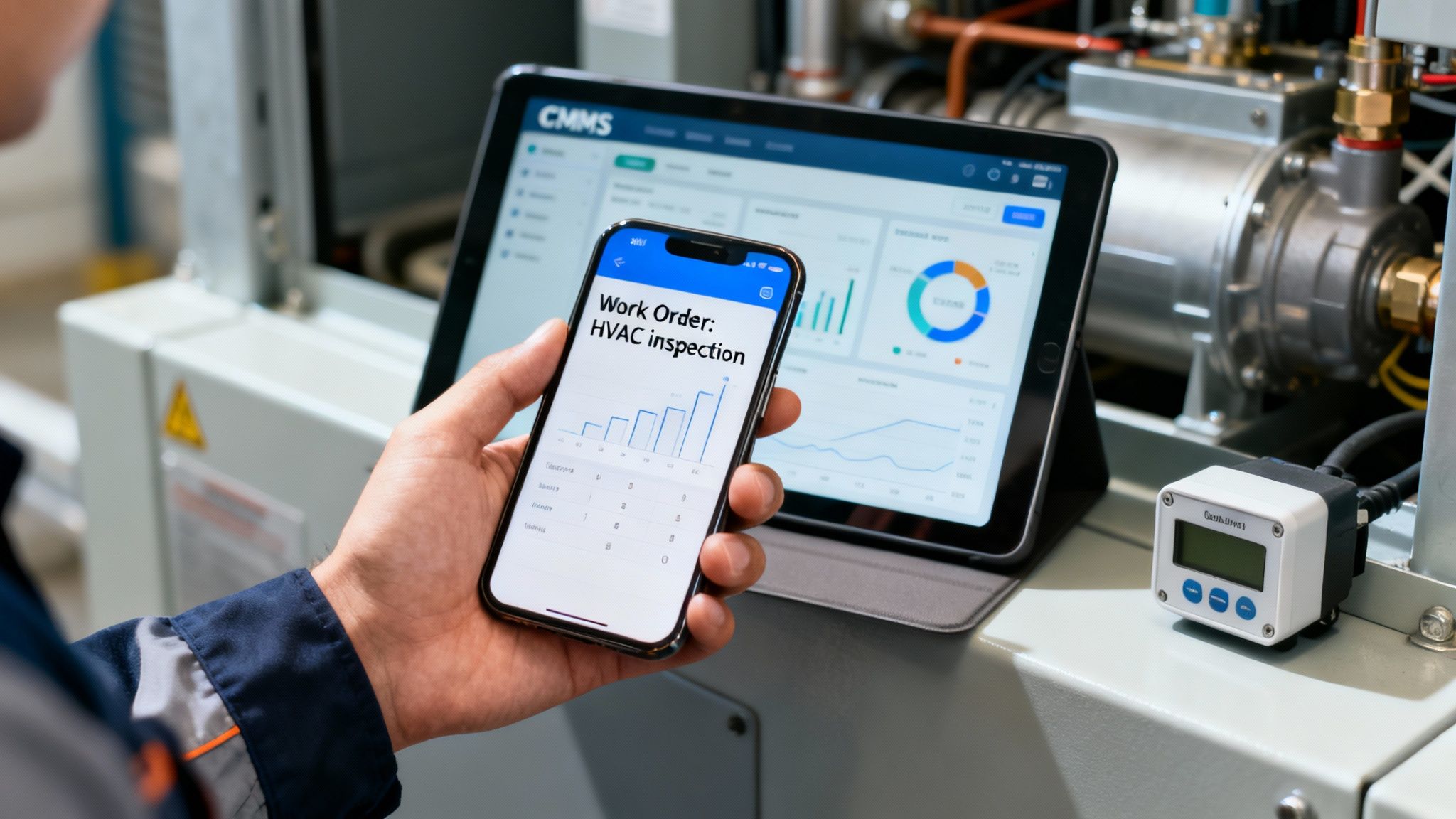
A Computerized Maintenance Management System (CMMS) is essentially the command center for your entire maintenance operation. It doesn't just list tasks; it actively manages the whole process, from scheduling a job to closing it out.
Think of it this way: a spreadsheet is like a paper map—it shows you the general layout. A CMMS is like a GPS. It gives you turn-by-turn directions, alerts you to roadblocks in real-time, and finds the most efficient route. That’s the kind of power a CMMS brings to your workflow.
So, what does this look like in practice?
- Automated Work Orders: The system will automatically generate and assign jobs based on your schedule. No more manual data entry. It pings technicians with notifications right on their phones or tablets.
- Live Inventory Tracking: When a tech uses a part, the system automatically deducts it from your inventory. It can even be set up to reorder supplies when you're running low.
- Powerful Reporting: In just a few clicks, you can pull up reports on anything from technician response times to which pieces of equipment fail most often. This data is pure gold for making smarter decisions.
A CMMS doesn't just put your checklist on a screen; it brings it to life. It creates a connected ecosystem where your assets, your inventory, and your team are all communicating seamlessly.
From Preventive to Predictive
The real cutting edge is when these systems start talking to your equipment directly. By integrating with sensors, you can move away from a strict, calendar-based schedule and toward a more intelligent, condition-based one.
For example, instead of just changing an air filter every three months, a sensor can trigger a work order the moment it detects a drop in airflow. This is the heart of predictive maintenance—fixing problems just before they happen.
This isn't just a niche trend. The global CMMS market is valued at around USD 1.29 billion in 2024 and is on a steep upward trajectory. A staggering 84% of organizations are already using predictive maintenance for their most important assets.
To get the most out of your program, exploring software solutions for digital maintenance management can provide a serious boost to your efficiency. Finding the right platform is key, and our guide on property management maintenance software is a great resource for weighing your options. Ultimately, adopting the right tech turns your maintenance schedule from a static plan into an intelligent, responsive system.
Getting Your Maintenance Program Off the Ground and Keeping It Sharp
You've done the hard work and built out a solid preventive maintenance schedule template. Now comes the fun part: putting it into practice. But just handing a new checklist to your team and hoping for the best is a recipe for failure. The real key to a successful launch is getting everyone on the same page from day one.
I always recommend starting with a kickoff meeting. Get your technicians together and walk them through the new schedule. Don't just read off the tasks; explain the why behind it all. When your crew understands that checking a specific belt now prevents a catastrophic, middle-of-the-night failure later, you start to get genuine buy-in. It stops being just another form to fill out and becomes a shared goal.
Turn Your Team into Your Greatest Asset with a Feedback Loop
Here’s a hard truth: your first draft of the schedule is just a highly educated guess. The most valuable insights will come directly from the people with their hands on the equipment every single day. You need to make it incredibly easy for them to tell you what's working and what isn't.
Encourage them to speak up. Are certain tasks taking way longer than you allocated? Are specific parts wearing out faster than the manufacturer's recommendation? This is pure gold. It's the real-world data that turns a good plan into a great one.
Here are a few ways I’ve seen this work wonders:
- Quick Weekly Huddles: Just 15 minutes to go over the past week. Was a task pointless? Did a filter look surprisingly clean? These quick chats can uncover major efficiency gains.
- A Simple "Notes" Column: If you’re using software like a CMMS or even just a shared spreadsheet, add a comment section. It gives techs a place to jot down thoughts in the moment.
- Manager Walk-Arounds: Encourage your managers to ask about the schedule during their daily rounds. A simple "How's the new PM schedule treating you?" can open the door to invaluable feedback.
This constant back-and-forth is what keeps your program alive and effective. It ensures your plan adapts to what's actually happening on your property, not just what looked good on paper.
A maintenance schedule should never be a "set it and forget it" document. The most effective programs are treated like living organisms, constantly adapting to new data and frontline feedback to become more efficient over time.
Make Time for Regular Program Check-ups
To make sure your program stays effective in the long run, you have to build in formal reviews. I suggest taking a hard look at the whole preventive maintenance schedule at least every quarter, and then doing a much deeper dive once a year. This is where you step back and analyze all that data and feedback you've been collecting.
Start looking for trends. Are you still getting a ton of emergency repair calls for one specific type of equipment? That’s a huge red flag that you probably need to increase its maintenance frequency. On the flip side, are some assets always in perfect condition during their PM checks? You might be over-maintaining them and could scale back, freeing up your team for more critical tasks.
This process of continuous refinement is what makes your preventive maintenance schedule template a truly powerful tool. It’s how you keep optimizing for better performance and lower costs over the long haul.
Answering Your Top Maintenance Schedule Questions
When you're setting up a new maintenance program, a lot of practical questions pop up. Getting those answered upfront is the key to getting your team on board and making sure the whole system runs smoothly from day one.
Let's dive into some of the most common questions we hear from property managers and homeowners when they first start using a preventive maintenance schedule.
Schedule vs. Checklist: What's the Real Difference?
It’s incredibly common to mix these two up, but they play very different roles. Here’s a simple way to think about it: the schedule tells you "when" and "who," while the checklist tells you "what" and "how."
Your schedule is the big-picture calendar. It’s what tells you the rooftop HVAC unit is due for its quarterly service during the first week of April and assigns it to your lead technician, Mike.
The checklist, on the other hand, is Mike's step-by-step game plan for that specific job. It's the nitty-gritty list of tasks he needs to complete, like:
- Visually inspect and clean condenser coils
- Replace all MERV 13 air filters
- Check and tighten all electrical connections
- Test thermostat calibration
A schedule without a checklist is just a vague appointment on a calendar. A checklist without a schedule is a to-do list with no deadline. You absolutely need both working in tandem for your maintenance program to be effective.
How Do I Figure Out the Right Maintenance Frequency?
Deciding how often to service a piece of equipment is part science, part hands-on experience. The manufacturer’s recommendations are always the best place to start—consider that your baseline. But don't treat it as a hard and fast rule.
From there, you need to factor in what’s actually happening at your property. Think about these variables:
- Asset Age: An aging boiler is going to need a lot more TLC than a brand-new one. It's just a fact of life.
- Usage Intensity: An elevator in a busy commercial building needs way more attention than one in a two-story residential home that's used a few times a day.
- Operating Environment: An air compressor running in a dusty workshop will clog its filters much faster than the same unit operating in a clean, climate-controlled facility.
Ultimately, your own data is your best guide. If a specific motor keeps failing a month before its scheduled inspection, that’s a flashing red light telling you to shorten the maintenance interval.
Your maintenance data is your most honest consultant. It will always tell you if your schedule is working. Listen to it and adjust your frequencies accordingly to optimize your team's time and prevent unnecessary failures.
Should I Use a Spreadsheet or a CMMS?
For a single-family home or a small property with just a handful of critical assets, a well-organized spreadsheet can work just fine. It's an affordable, straightforward starting point when your needs are simple.
But there comes a tipping point where that spreadsheet starts creating more problems than it solves. You’ll know you’ve outgrown it when you need to do more.
It’s time to upgrade to a Computerized Maintenance Management System (CMMS) when you want to automate work orders, track spare parts inventory, give technicians access to job details on their phones, and pull detailed reports on costs and performance. Think of a CMMS as a strategic investment—one that pays for itself pretty quickly through sheer efficiency.
At Northpoint Construction, we specialize in creating robust maintenance plans that protect your property's value. Whether you need a simple schedule for your home or a comprehensive program for a commercial building, we can help. Turn your maintenance challenges into beautiful realities with us.